Give a sentence you type often its own small action.
Do you type the same greeting more than once a day? Let's practice with a single word first. When Hello appears in the right place, you can replace it with your own short phrase.
MYLAVL ·
Before we start
Prepare a Windows PC, AutoHotkey v2, and a LAVL edition that supports text input. The reference images show PRO. Open a blank Notepad document for the first test.
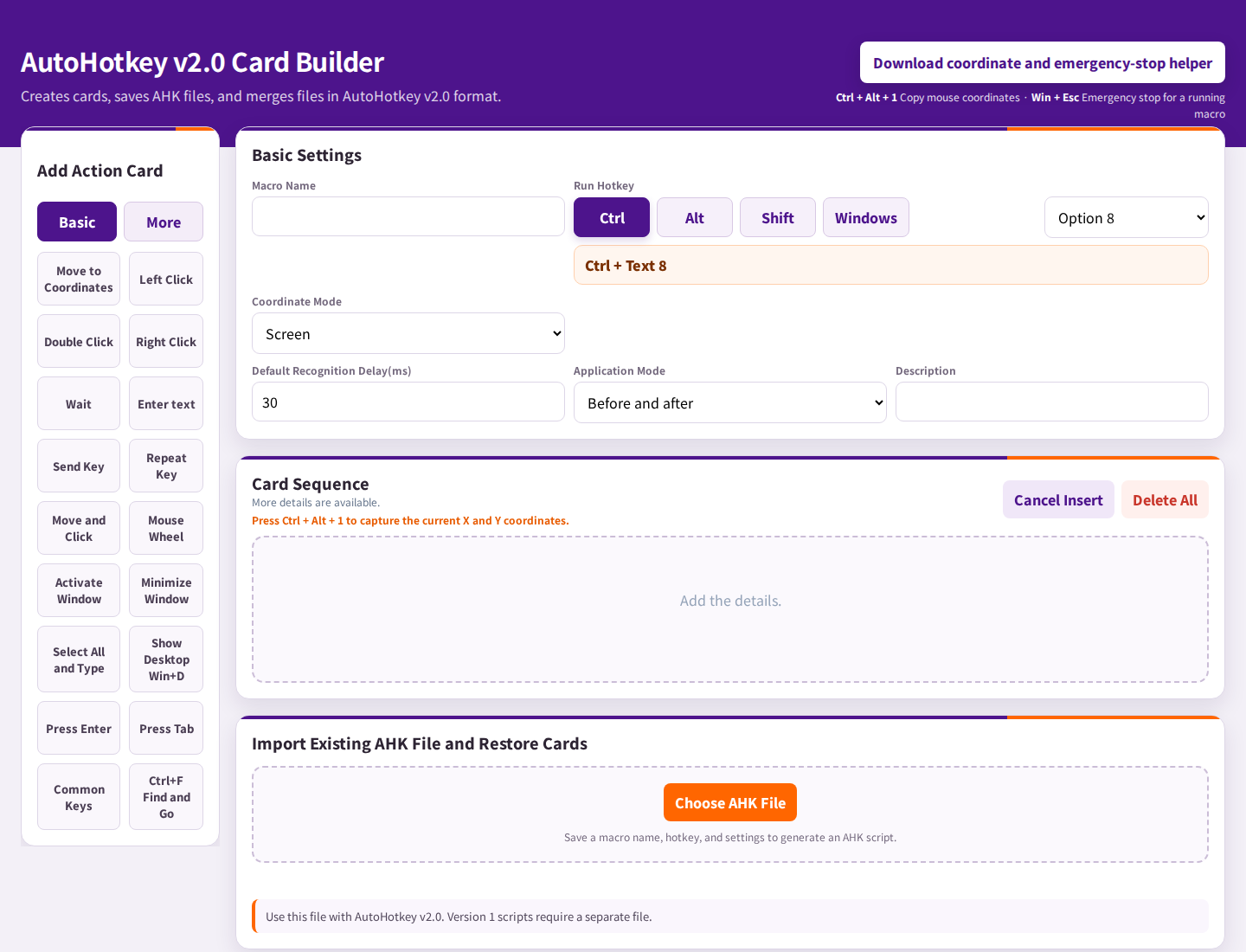
Values for this example
| Setting | Value |
|---|---|
| Action card | Type text |
| Text to enter | Hello |
| Wait after input | 100 ms |
| Hotkey | Choose an available shortcut in the editor |
A closer look at the card

Let’s try it together
Give your practice a clear name
In the AutoHotkey area, choose a simple macro name and a shortcut that is not already used by your applications. Keep the first test to one action.
Add the typing card
Select Type text, enter Hello, and set the wait after input to 100 ms, as shown in the PRO reference card. Check that the card is included in the sequence.
Save and run the script
Generate the AutoHotkey v2 output, save the .ahk file, and run it using the matching version of AutoHotkey. Configuring a card in the HTML editor does not by itself run the Windows action.
Click the practice document and try the hotkey
Click inside the blank Notepad document, then use your shortcut. Look for Hello at the cursor. Once this works, change the text to a short phrase such as Thanks for your patience. and generate the updated script.
What to look for
| Practice case | Expected result |
|---|---|
| Cursor inside a blank Notepad document | The shortcut should type Hello at the cursor. |
| A different field has focus | Typing goes to the focused field. Check focus before you run it. |
Another view from the product guide

If it does not work yet
If nothing appears, check that the script is running, AutoHotkey v2 is installed, and the hotkey is available. Exit the earlier practice script before running an updated copy. You can finish the exercise by exiting its tray icon.
Your next small step
Start with one word, then one sentence. After that, try adding another supported action only when you need it.
Explore the FREE edition
FREE and PRO include different features. Check availability in your edition.
Explore the FREE edition Explore this featureA practical example from the creator of MYLAVL. Product screenshots are reference images; results should be checked in your own application.