A small total for just the rows you need.
Sometimes you need the total for completed items, rather than every amount in a column. Let's use three rows so that the answer is easy to check yourself.
MYLAVL ·
Before we start
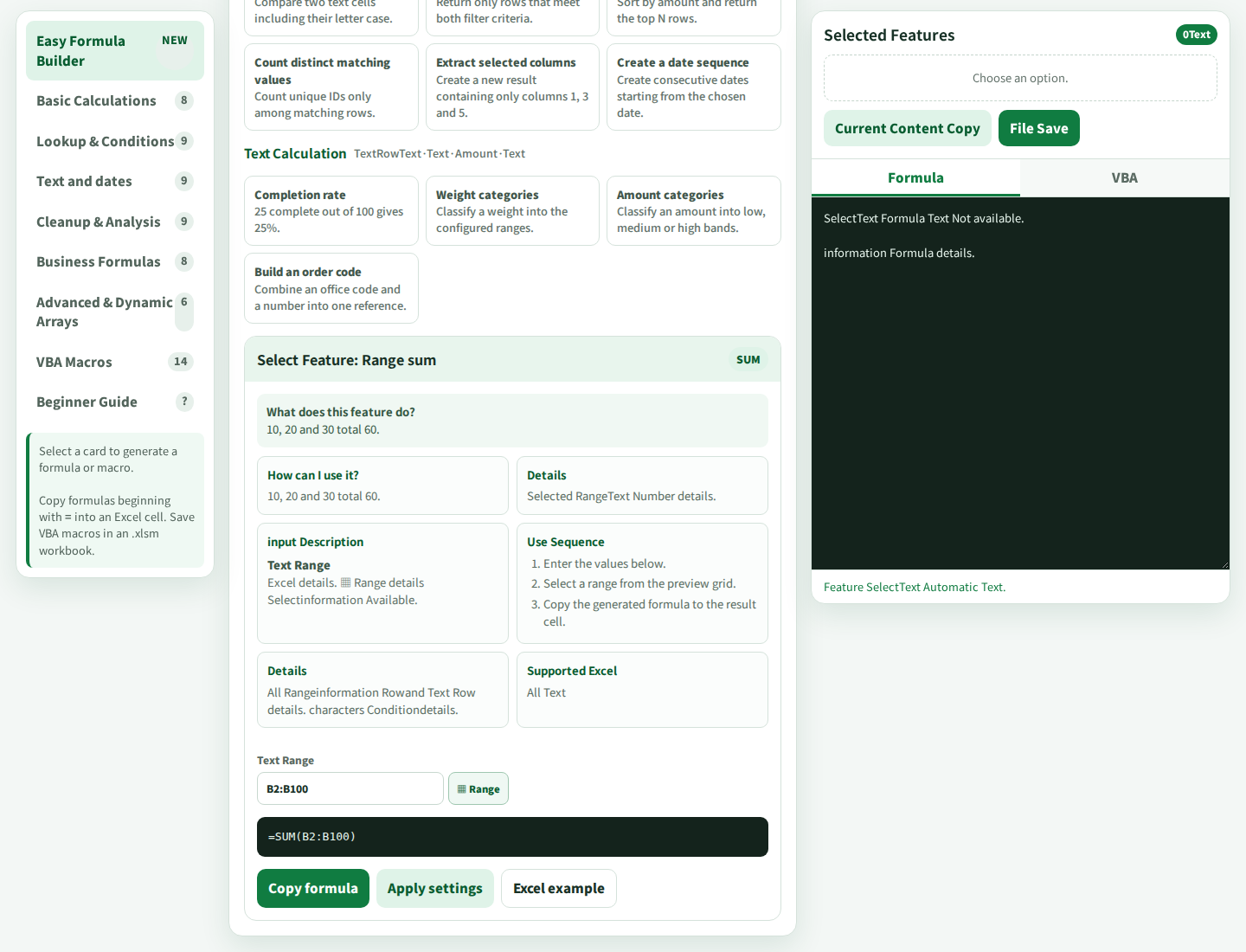
Use Excel that supports SUMIFS and a LAVL edition with the conditional-sum card. The product guide lists Excel 2007 or later for this function. The screenshots show PRO.
Values for this example
| Setting | Value |
|---|---|
| Card | Conditional sum / SUMIFS |
| Sum range | B2:B4 |
| Condition range | A2:A4 |
| Condition | "Complete" |
A closer look at the card
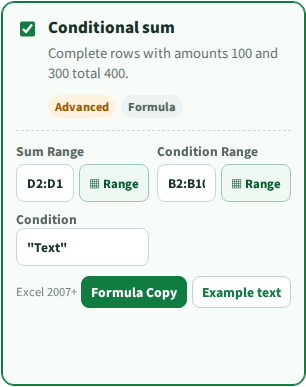
Let’s try it together
Put a tiny table in Excel
Enter Status and Amount in A1 and B1. Use Complete / 100, Pending / 200, and Complete / 300 in the next three rows, as shown below.
Set one condition in LAVL
Choose the conditional-sum card. Set the sum range to B2:B4, the condition range to A2:A4, and the text condition to "Complete". The ranges must cover the same rows.
Review the generated formula
Check that the result references your own columns. For this example, the formula is =SUMIFS(B2:B4,A2:A4,"Complete"). Copy the formula beginning with =, without the surrounding explanation.
Compare the answer before extending the range
Paste the formula into D2, outside the source table. The answer should be 400: 100 plus 300. Change Pending to Complete and the total should become 600. Once both checks work, extend the ranges to your real data.
What to look for
Type these three rows into A1:B4
| Status (A) | Amount (B) |
|---|---|
| Complete | 100 |
| Pending | 200 |
| Complete | 300 |
Formula for this practice table
=SUMIFS(B2:B4,A2:A4,"Complete")| Practice case | Expected result |
|---|---|
| Two Complete rows and one Pending row | 100 + 300 = 400 |
| Change Pending to Complete | 100 + 200 + 300 = 600 |
Another view from the product guide
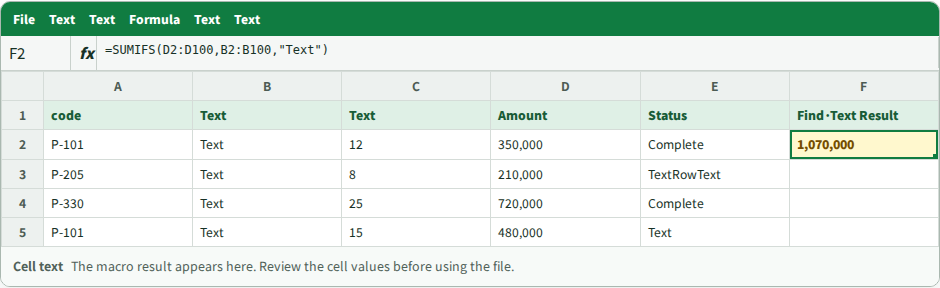
If it does not work yet
If the result is 0, check the status spelling, extra spaces, and whether the amounts are numbers. If Excel rejects the formula separators, use the separator required by your locale. Keep the sum and criteria ranges the same size.
Your next small step
A result you can check by hand makes a friendly first test. Then increase the range one step at a time.
Explore the FREE edition
FREE and PRO include different features. Check availability in your edition.
Explore the FREE edition Explore this featureA practical example from the creator of MYLAVL. Product screenshots are reference images; results should be checked in your own application.